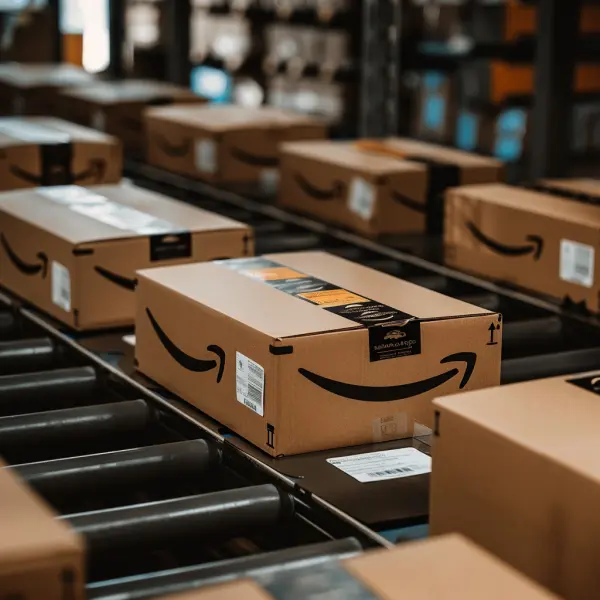
Managing Amazon FBA inventory means keeping enough sellable units available while limiting what sits in storage. Make the replenishment decision SKU by SKU. Start with sales velocity, the date new units can actually go on sale, and the stock you can hold in reserve.
Separate sellable, inbound, and reserve stock

Track three quantities for each SKU: sellable units at Amazon, inbound units with an expected available date, and reserve units at your 3PL or supplier. Use sellable units to calculate current cover. Keep open shipments and reserve stock in the forecast so you can see when they may become available.
Set a replenishment trigger from your own lead times
Divide sellable units by expected weekly sales to estimate weeks of cover. Then work backward from the stockout date through prep, transport, Amazon receiving, and a buffer for delay. Use a sales forecast that accounts for promotions or seasonal spikes. Check open shipments and current capacity in Seller Central before committing more units.
For example, 1,200 sellable units at 400 units a week gives you three weeks of cover. If it usually takes two weeks from warehouse release to sellable and you plan for one extra week of delay, you’re at your replenishment trigger. Check what’s already inbound before releasing another batch.
Use reserve stock to avoid sending everything at once
Hold reserve inventory where you can release it in smaller batches. When a SKU slows, reduce its next transfer and review storage and handling costs before deciding where to hold the balance. For a fast mover, set a release trigger and name the person who can call for more inventory if demand changes.
Review inventory health and receiving together
Check for excess units, stranded inventory, and SKUs approaching a stockout in Amazon’s inventory tools. Use those reports alongside cycle counts at your 3PL and the shipment events for open inbound loads. If inventory is already on the road, use these FBA inbound milestones to see where it is before counting it in your replenishment plan.
If inventory is running low at Amazon, review how Tactical handles Amazon FBA inbound and replenishment. Contact us with your SKU volumes, inbound schedule, and target receiving dates.


